


Planning
How Many Peel-and-Stick Tiles Do I Need?
A clear measuring method, a worked example and the pack-size checks that help you order with less guesswork.

To work out how many peel-and-stick tiles you need, calculate the wall area, add an allowance for fitting, and divide by the usable coverage of one sheet. Then round up to a whole sheet or pack. The important word is usable: the outside dimensions of an interlocking sheet are not always the same as the area it covers after fitting.
Measure the wall in manageable rectangles
Use a tape measure and a simple sketch. Split an L-shaped backsplash, a stepped wall or an area around a window into rectangles. Record each rectangle’s width and height in the same unit. Measure at more than one point if the cabinets or worktop are not perfectly level, and use the dimensions that will cover the intended area.
For a rectangular area, multiply width by height. Add the rectangles to get the total wall area. Keep your original measurements so you can check the estimate when you choose a different tile. A photo with dimensions written on it is also useful if you ask us for help.
Keep your units consistent
In feet, width multiplied by height gives square feet. In centimetres, the result is square centimetres; divide by 10,000 to get square metres. Do not combine a wall measured in feet with a sheet measured in centimetres without converting one of them first.
Planning formula: required sheets = round up [(wall area × allowance factor) ÷ usable sheet coverage]. An allowance factor of 1.10 adds 10%. This is an estimate, not a guarantee that every cut piece can be reused.
A worked example you can check
Imagine a backsplash that is 8 feet wide and 2 feet high. Its area is 16 square feet. With a 10% allowance, the planning area becomes 17.6 square feet.
If your chosen product states that each sheet provides 1 square foot of usable coverage, you would round 17.6 up to 18 sheets. If it is only sold in 10-sheet packs, you would need two packs, giving you 20 sheets. These are example dimensions and coverage figures, not the specification of every ShinyHome tile.
Now imagine another product covers 0.8 square feet per sheet. The same planning area would require 22 sheets. This is why “20 tiles” is not a reliable shopping target until you know which product and coverage you are using.
Allow for cuts, corners and the pattern
ShinyHome’s FAQ recommends 5–10% extra for common fitting needs. A wall with many corners, diagonal layouts or awkward pattern matching may need a more careful cutting plan. Sketch where the sheets will start and finish, and check whether the offcuts can actually be used elsewhere.
A small socket opening does not automatically save you a whole sheet: the surrounding piece still has to be cut from something. For large openings such as windows, subtract only after considering the strips of tile around the perimeter. When in doubt, work sheet by sheet on your sketch rather than relying on area alone.
Use the product calculator as a cross-check
Choose a tile on the ShinyHome catalogue and enter your wall dimensions in its coverage calculator when available. Confirm the unit and the displayed allowance. Then compare the recommendation with the selected pack option: the quantity selector may count packs, not individual sheets.
If the listing does not state usable coverage clearly, ask before ordering. Do not assume that overlapping tabs, shaped edges or a decorative border are additional coverage. Send the product link with your wall measurements so the question can be answered for that exact design.
Check the delivery before starting installation
Lay out the unopened sheets or inspect them as permitted by the packaging. Check the colour, style, quantity and condition before cutting or applying them. Keep spare pieces for future repairs, and retain any product or batch information supplied with the order.
Ordering enough for the main project at the same time helps avoid mixing production batches. If your estimate seems close to a pack boundary, make that decision before you begin: stopping midway can make both pattern matching and colour matching more difficult.
Ready to measure your favourite?
Choose a tile and check its sheet size. For a shaped wall or uncertain coverage, send us the dimensions and a photo before checkout.
A little more inspiration

Christmas Kitchen Decor
Christmas Kitchen Backsplash Ideas: 3 Cozy Color Pairings
Bring Christmas warmth to your kitchen with burgundy, ivory cream, and olive green backsplash pairings, simple festive accents, and looks to enjoy beyond the holidays.
Read the guide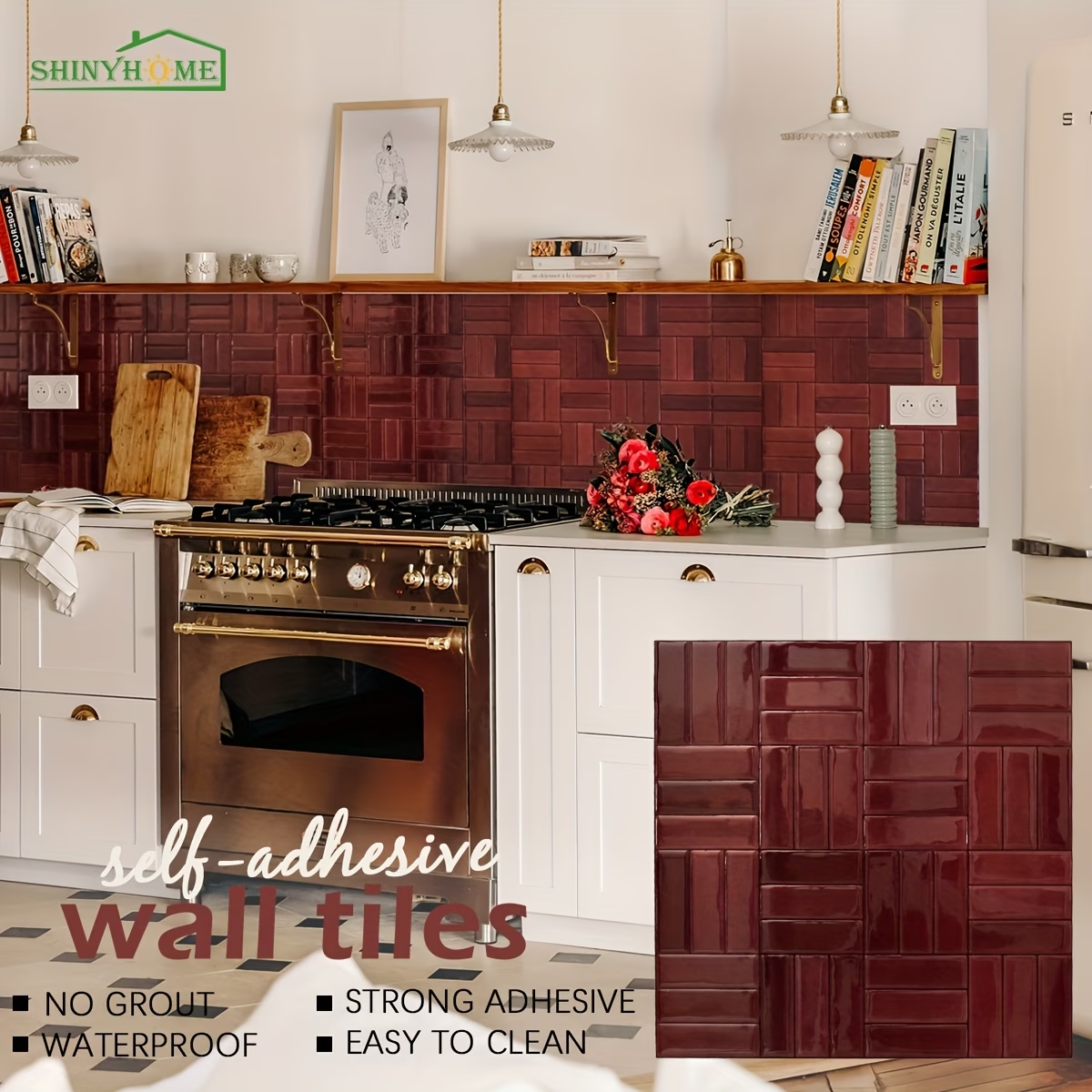
Basketweave
Basketweave Peel-and-Stick Backsplash: 4 Kitchen Color Ideas
Compare burgundy, olive, beige and forest green basketweave wall tiles. Find a kitchen pairing you love, then plan your layout and single-sheet trial.
Read the guide
Color planning
Backsplash Ideas for Black Countertops: 5 Ways to Find Your Balance
From warm ivory to olive green and burgundy, explore five practical ways to choose a backsplash that balances black countertops, cabinets, and the rest of your kitchen.
Read the guide